Reports
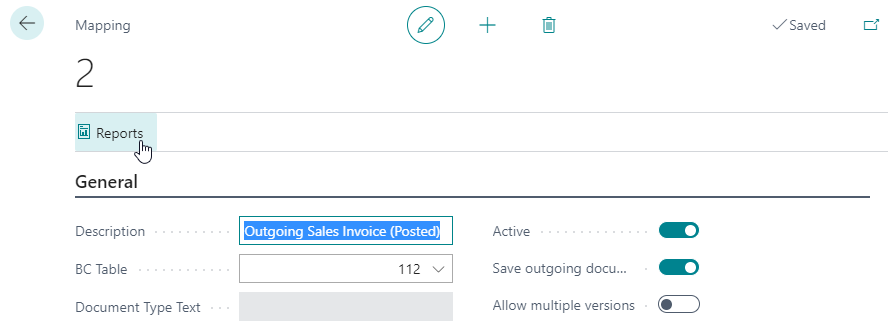
On the Mappings page, click on Reports.
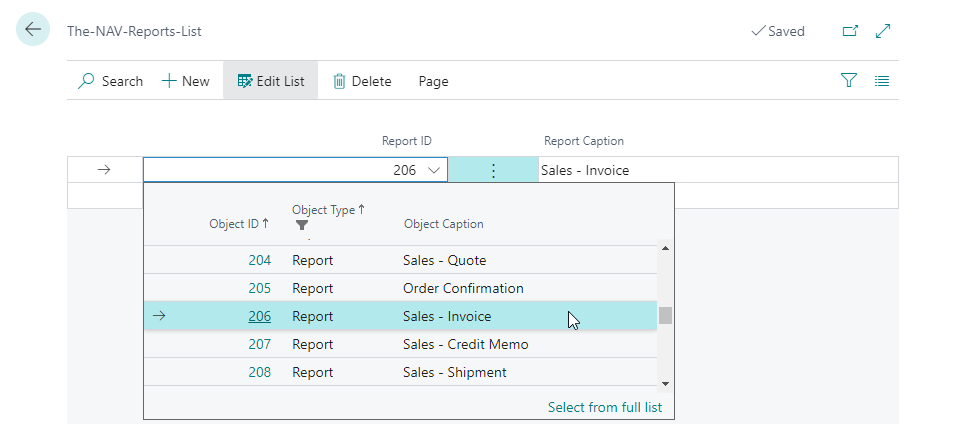
Click on New to add one or more reports that fit the selected Microsoft Dynamics 365 Business Central Table:
If 'Save outgoing documents immediately' is checked, the generated report will be saved directly to Therefore™ on creation or posting.

If that option is not activated, the generated report will be saved later by the Therefore™ NAS job-queue.
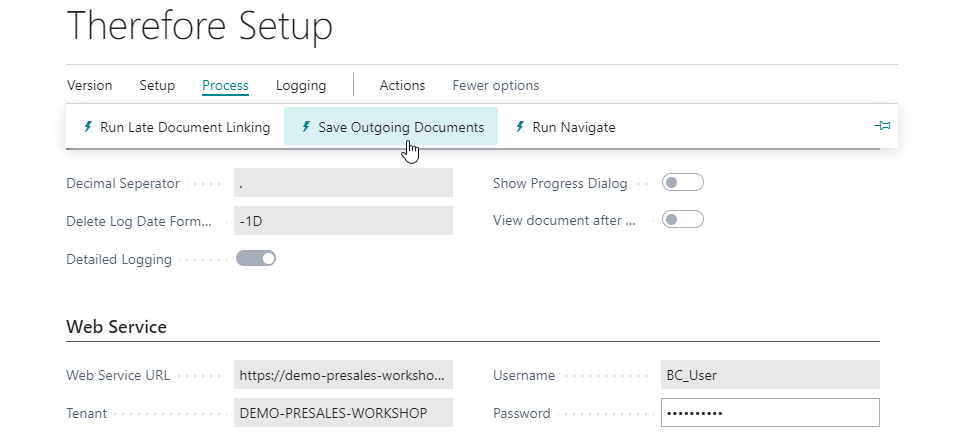
It is possible to test the configuration immediately by using the 'Save Outgoing Documents' button. The document will be created by the user specified in the Web Service settings.
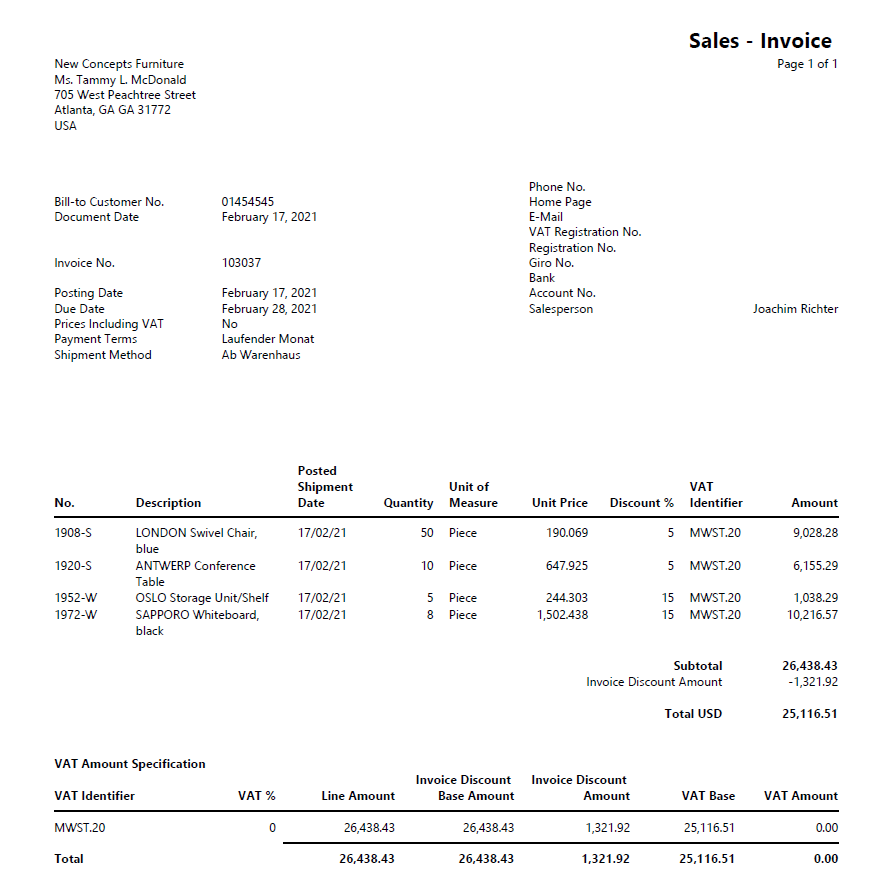
The screenshot below shows a sample report generated by Business Central that was saved to Therefore™.