Checking Content Repository
To check the settings you can use the SAP NetWeaver transaction SE38 and the program RSCMST . Please note that this action is only recommended on TEST systems, but not on PRODUCTION systems.
-
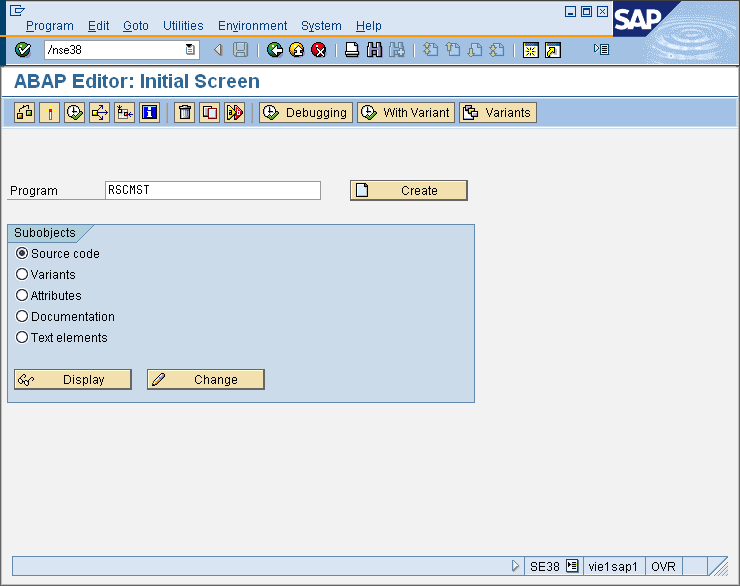
Key in /nse38 into the command line a hit ENTER. Type RSCMST into the Program input field. Click the Execute icon (F8).
-
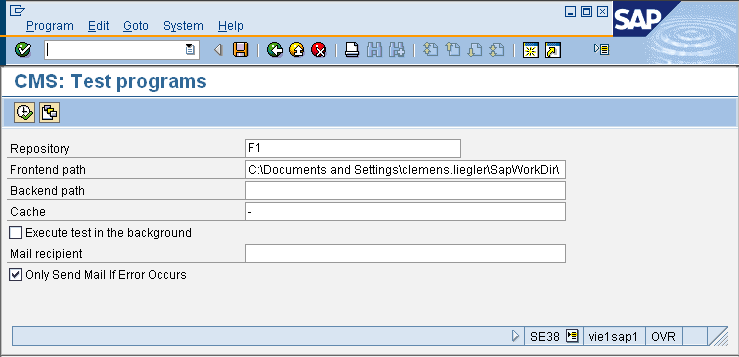
In the REPOSITORY input field please type in the identifier of the Content Repository to check, or select it from the list. Click the Execute icon (F8).
-
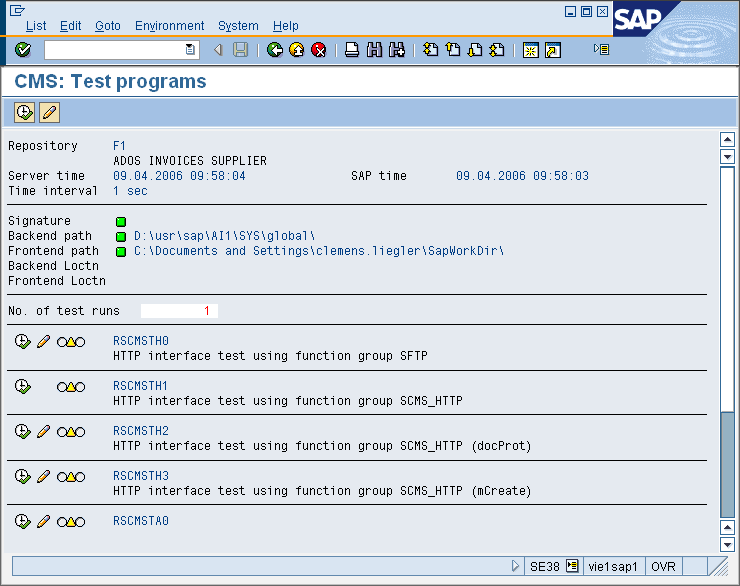
A list of all tests is displayed. Now either all test can be run by Clicking the Execute icon (F8), or each individual test can be started by clicking the Execute icon to the left of the test.

|
A successful test ends with a green indicator, displayed on the left side of each test type. In case that a test run reports an error the indicator turns to red color, and the corresponding information can be displayed by pressing the INFO button below. |