Process Tab
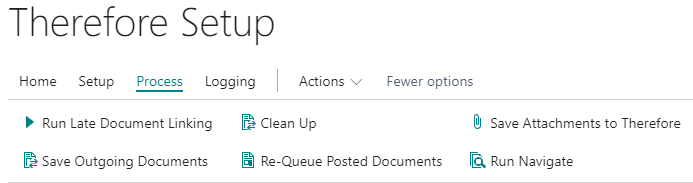
Run Late Document Linking:
Clicking this option will run the Late Document Linking feature, which is usually executed by the NAS Job Queue. The main difference is that Late Document Linking is done synchronously. See:
Late Document Linking
Clean Up
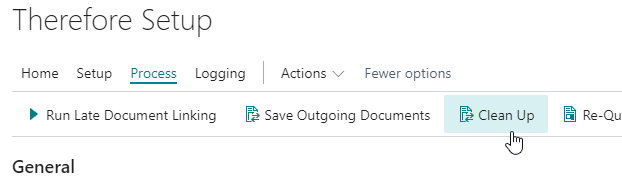
This function cleans up old links that are no longer needed.
Cleaning up old links is done by checking the internal linking table against existing entries in BC. If an entry no longer exists in BC but there is still a link to a Therefore™ document stored it will be automatically removed. The actual document in Therefore™ will not be deleted, only the link will be removed.
Save Attachments to Therefore™
This function saves files from the ‘Document Attachments’ in BC to Therefore™.
This function makes it easier to switch from standard BC functionality to the Therefore™ BC connector. The attachments are archived to Therefore™ but will also remain in BC.
This operation will be done asynchronously, so NAS needs to be running in order for the documents to be saved. Depending on the size and number of documents it will take some time until all documents are saved to Therefore™.
A mapping of type Drag&Drop or Drag&Drop / Backend is required in order for this functionality to work.
After starting the operation, a dialog will show how many files were added to the queue:
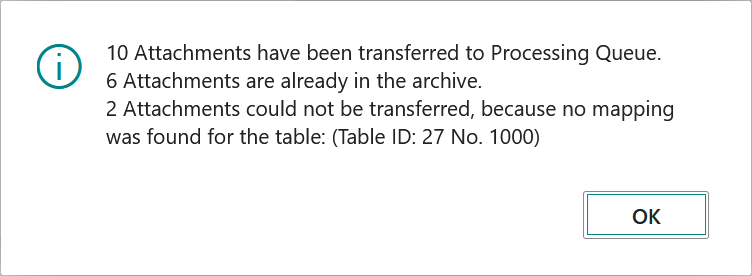
If any attachments could not be queued due to a missing mapping the function can just be run again, after creating it. Existing documents will not be created again.
Save Outgoing Documents
Clicking this option will save outgoing documents that are waiting in the “Queue for saving”. This queue is usually processed by NAS asynchronously. By clicking this button it can be executed synchronously once.
Re-Queue Posted Documents
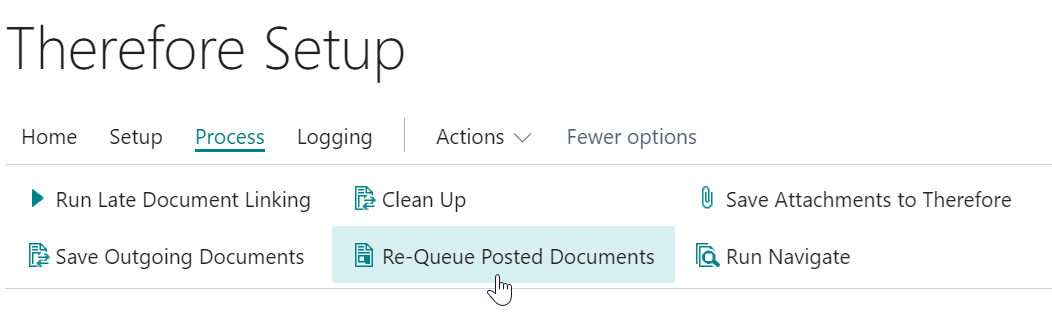
For the following document types, this function can run the configured report again:
-
Posted Sales Invoices
-
Posted Sales Shipments
-
Posted Sales Credit Memos
-
Posted Purchase Invoices
-
Posted Purchase Shipments
-
Posted Credit Memos
-
Posted Service Invoices
-
Posted Service Shipments
-
Posted Service Credit Memos
-
Issued Reminders
This could either be needed due to an error when attempting to run the report the first time or because there was not yet a mapping / report configured before.
Clicking the Re-Queue Posted Documents button will open the following dialog:
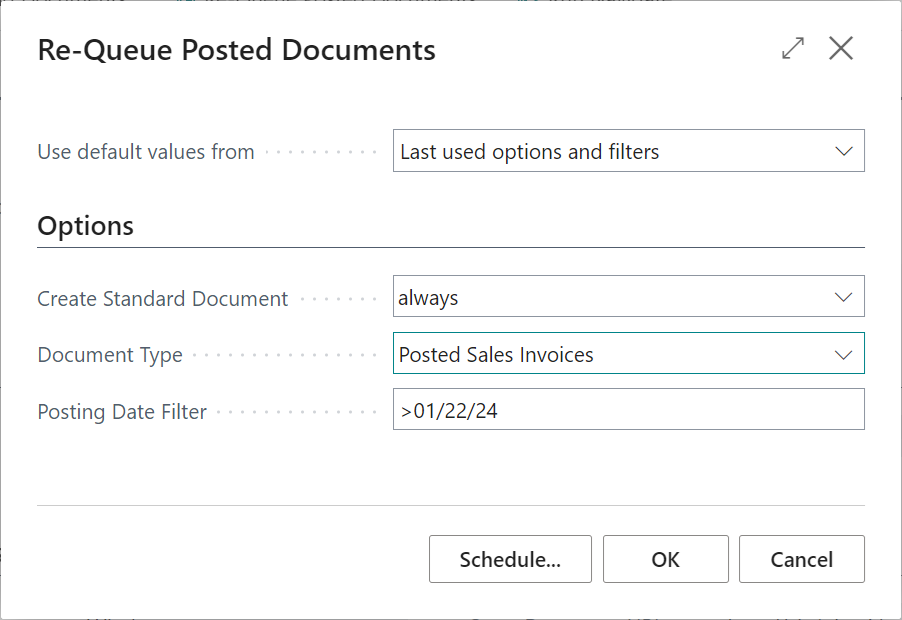
For the option Create Standard Document, it is possible to choose if the re-queuing should always be performed or only when no Therefore™ document exists. With the “Posting Date Filter” you can limit how many documents should be checked. This can be done by a date, for example with a > operator, to check all invoices that were created after this timestamp, or two dates separated with a .. operator to specify a time range. A confirmation message will be displayed showing the number of documents found with the specified filter:
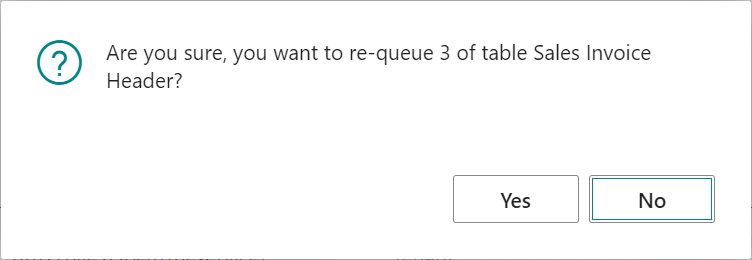
After confirmation, the documents will either be re-queued for asynchronous creation by NAS or stored in Therefore™ synchronously. The method will depend on the mapping: the option “Save outgoing documents immediately” can be turned on or off.
A mapping of type Backend or Drag&Drop / Backend is required in order for this functionality to work.
Depending on the number of documents, this operation can take some time to complete (a few seconds per document to render the report), so asynchronous processing is recommended.