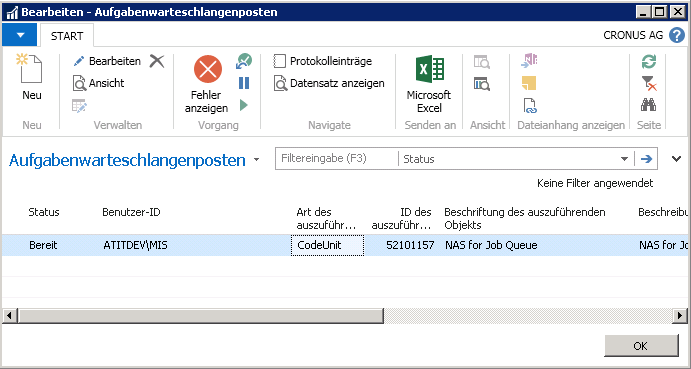
Job Queue Maintenance
The interface processes data in the background using the NAS service. These processes occur directly on the Navision sever.
As designed by Microsoft, this happens via the job queue.
Checking the Job Queue
If an error occurs during processing, further processing of jobs will be stopped.
Since each tenant has its own job queue, only the tenant where the error occurred will be affected.
It’s recommended to check on a daily basis if any job queues have been stopped.
Checking the Job Queue Log Entries
The job queue log entries can be displayed in the menu.
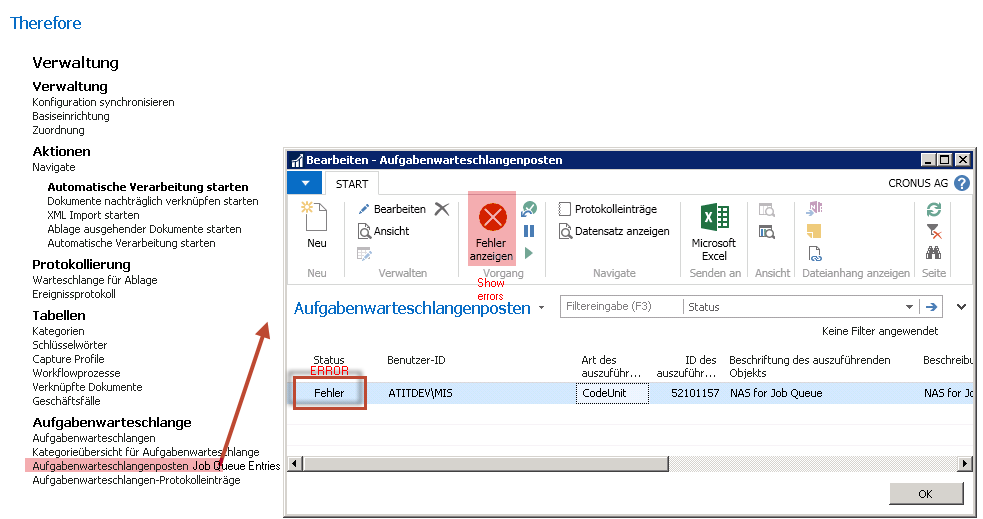
Normal - NO ERROR
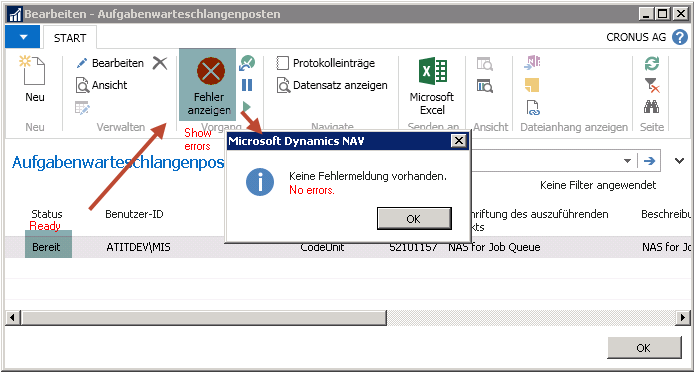
ERROR - Job queue is stopped
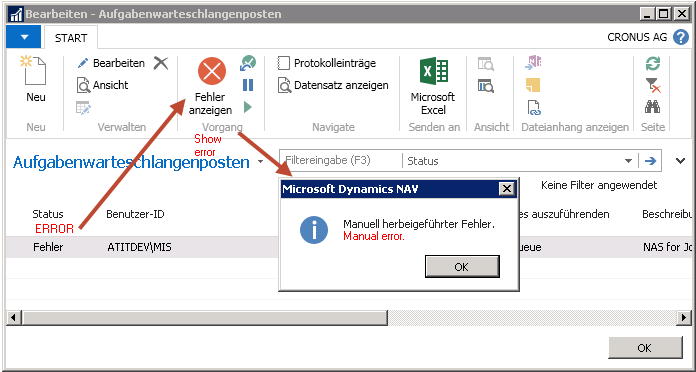
In case the status is set to Processing instead of Ready, the job queue needs to be restarted.
Restarting the Job Queue
First select the entry and set the status to Ready.
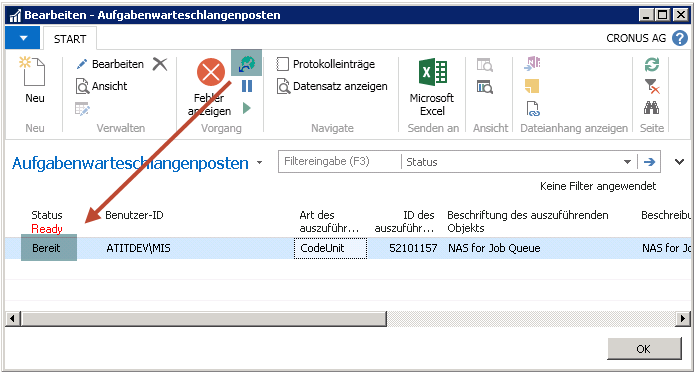
Now that the entry’s status is set to Ready, job processing will resume.