Tables
Efficient administration of the Therefore™ data to be linked with NAV data is made possible by accessing the entry Tables in the main Therefore™ menu in NAV (Departments > Administration).
Categories
The categories specifically define which index data fields are covered by the respective Therefore™ category. By double clicking on the categories list, a detailed view of this category (category card) will open.
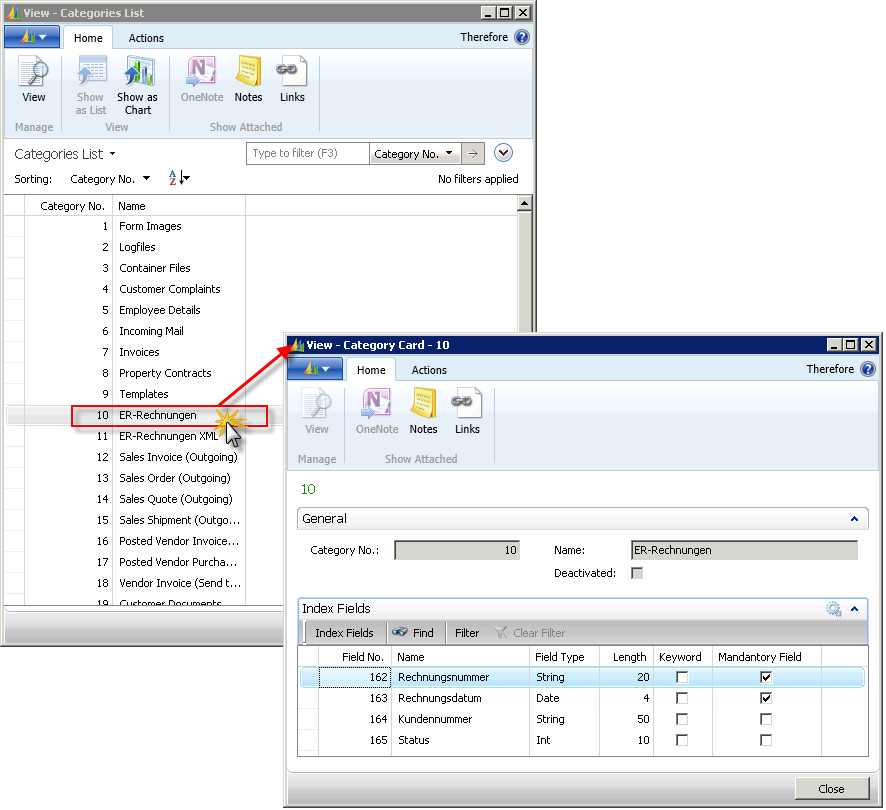
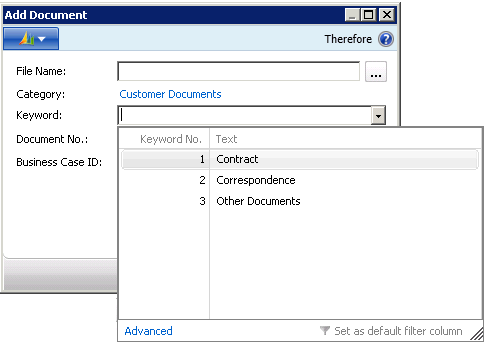
The category card defines the field type, length, any applicable keywords, as well as mandatory fields for each field of the index data fields. Keywords, for example, are important for customers and vendors. When a document is added, a numerical value can be given from a selection to match the proper keyword.
Keywords
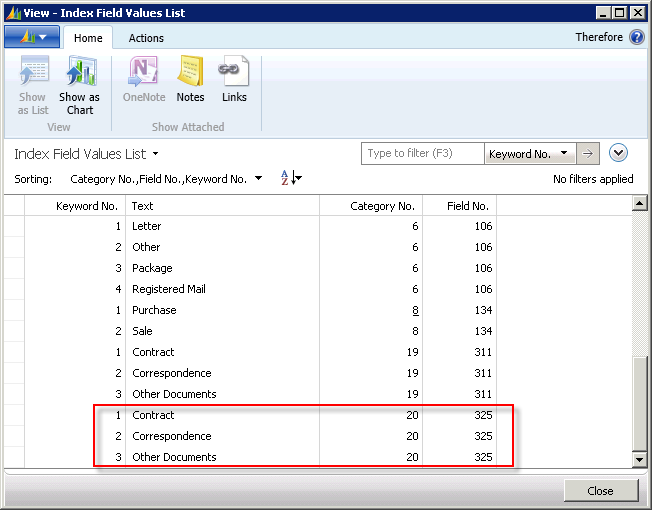
Some fields in Therefore™ categories have keywords activated. The list Index field values shows the text values of the keywords of the specific categories, as well as the associated field numbers.
Capture Profile
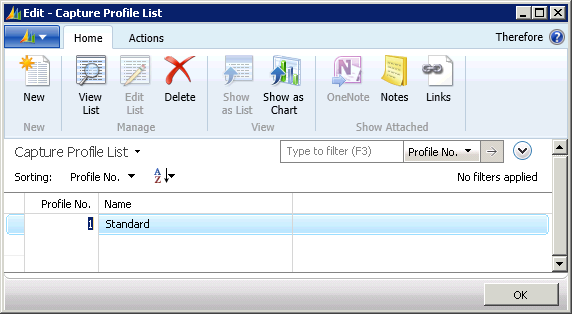
A Capture Profile is required for the scanner set-up. The respective profile is defined in Therefore™. Profile No. 1 (Standard) is the standard profile for the scanner. New profiles can be added.
Workflow process
Workflow processes are kept in the Workflow Process List.
Linked Documents
The Archived Documents list (in filtered form) has already been mentioned. It allows for direct viewing of selected Therefore™ documents (line) in the Therefore™ Viewer by either clicking the View button or clicking on "…" next to the document number.
Calling this list from Tables shows an unfiltered list, i.e. all documents are shown where there is a link between Therefore™ and NAV.
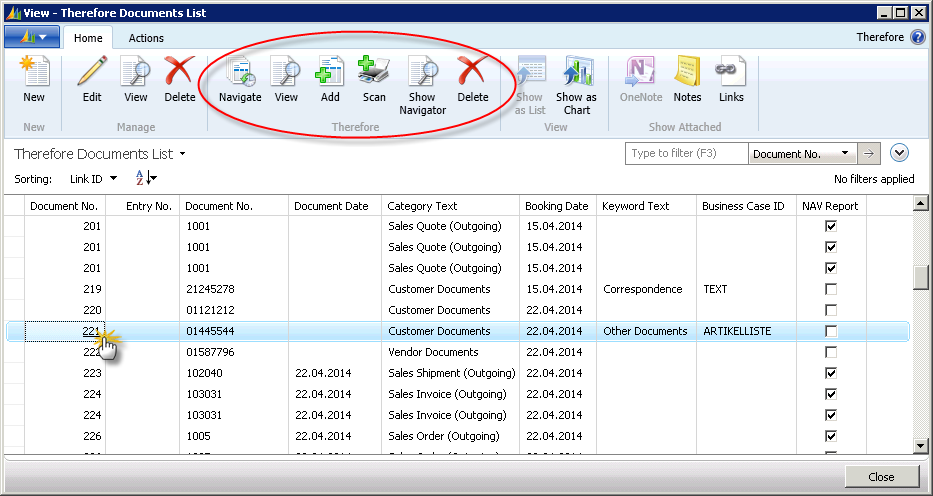
The following actions (Therefore™) are possible in this view:
Navigate
Opens the Navigate window with filtering on the relevant document.
View
Opens the selected document (line) in the Therefore™ Viewer.
Delete
Deletes the document from the Therefore™ archive.
Business Cases
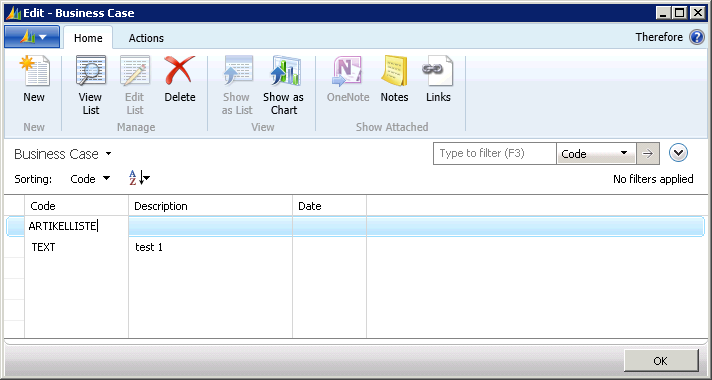
The business case list enables any existing business cases to be viewed and edited. The purpose of allocating a business case ID is so that business cases can be searched for with the Navigate function. See: