Event Log
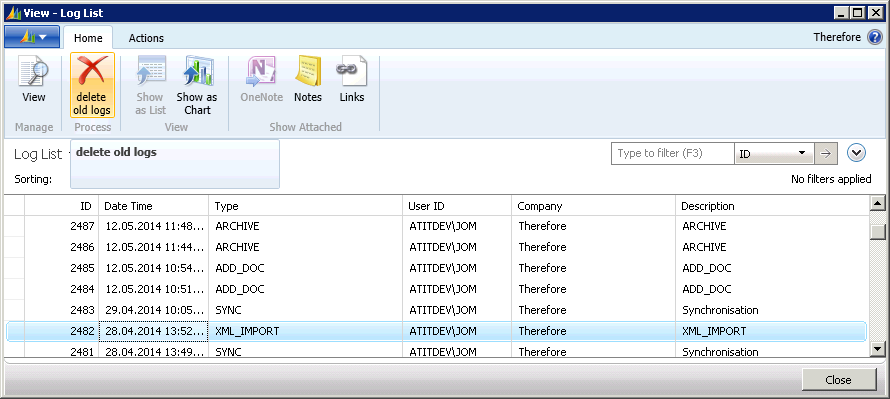
All processes are given an ID and logged in the event log. The event log is recorded on the computer (server) that runs the service Microsoft.Dynamics.Nav.Server.exe. Double-clicking a line will open up a detailed view of the respective entry. The “delete old logs” button deletes events outside of the date formula. These entries are also deleted by activating the NAS or by the 'Start automatic processing' function. See also:
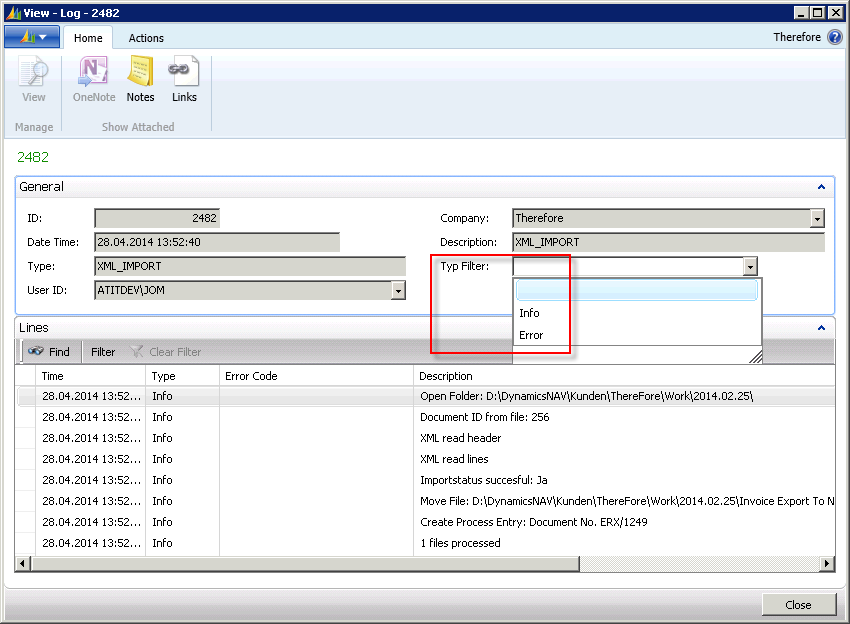
In the detailed view of the event log it is possible to filter out mistakes through the Type Filter. The Description field contains information on detailed processing steps.