Define Fields
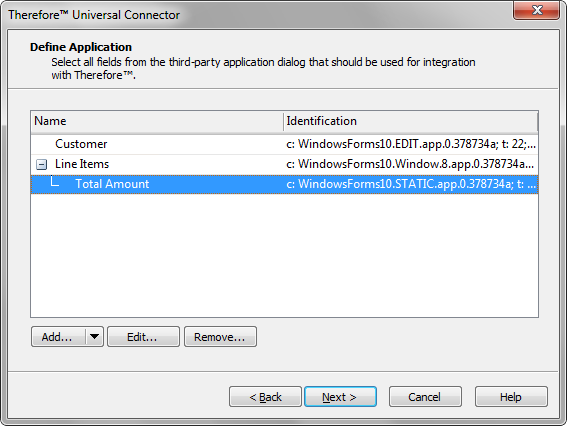
Add
This will open the Finder Tool dialog to allow you to select the field on the 3rd party application dialog. Thereafter you will be able to specify which field properties to use to uniquely identify the field.
Add Dependent
This can be used to add a field as a dependent to an already defined field. This is useful, for example, where field positions change relative to the top left corner, but remain constant relative to a label field. In such a case the label field can be added and then the actual field added as a dependent.
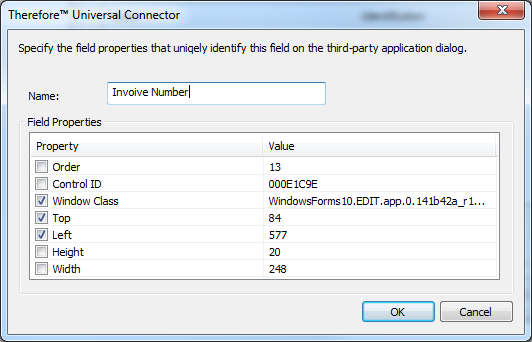
Edit
Select a field and click Edit to open a dialog where the field properties can be edited.
Remove
To remove an existing field, select it and then click Remove.