Client Installation
In order to view documents in SAP NetWeaver using the Therefore™ Viewer, it is necessary to install the Therefore™ Client on all PCs where the Viewer will be used.
Please make sure that your system complies with the system requirements and follow the instructions carefully.
-
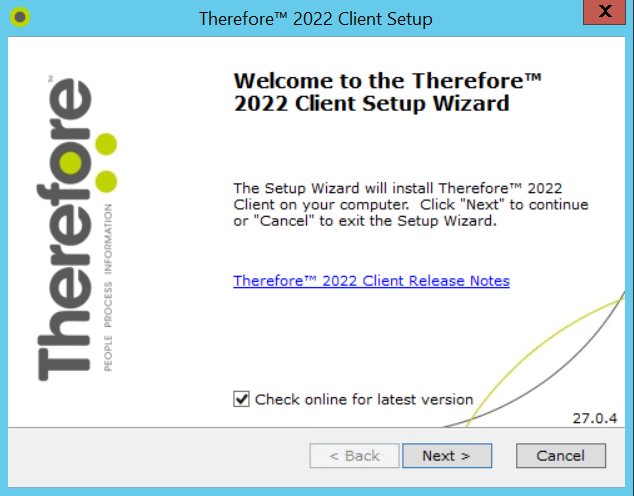
Start the Therefore™ Client Setup and the welcome screen will open. Click Next.
-
Select your region, click Next, then accept the license agreement and click Next again.
-
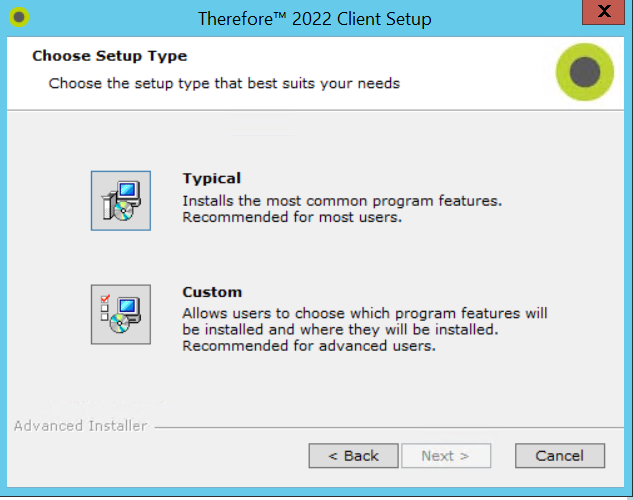
Select Custom install, select an installation folder, and click Next.
-
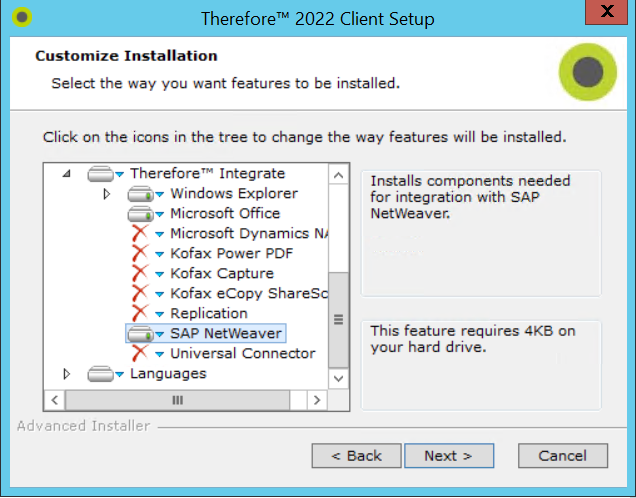
Select the required components. See the Installation Guide for more details on individual components. Make sure you choose to install the SAP NetWeaver component. Select Install when done.

Therefore™ Online:
Before using the connector for the first time, you must start a Therefore™ client application (e.g. Navigator) as an administrator and enter the connection information for your Therefore™ Online tenant. Check the box Use this configuration as default for all users on this machine on this dialog when entering the connection information.